
01↗
AI image workflow
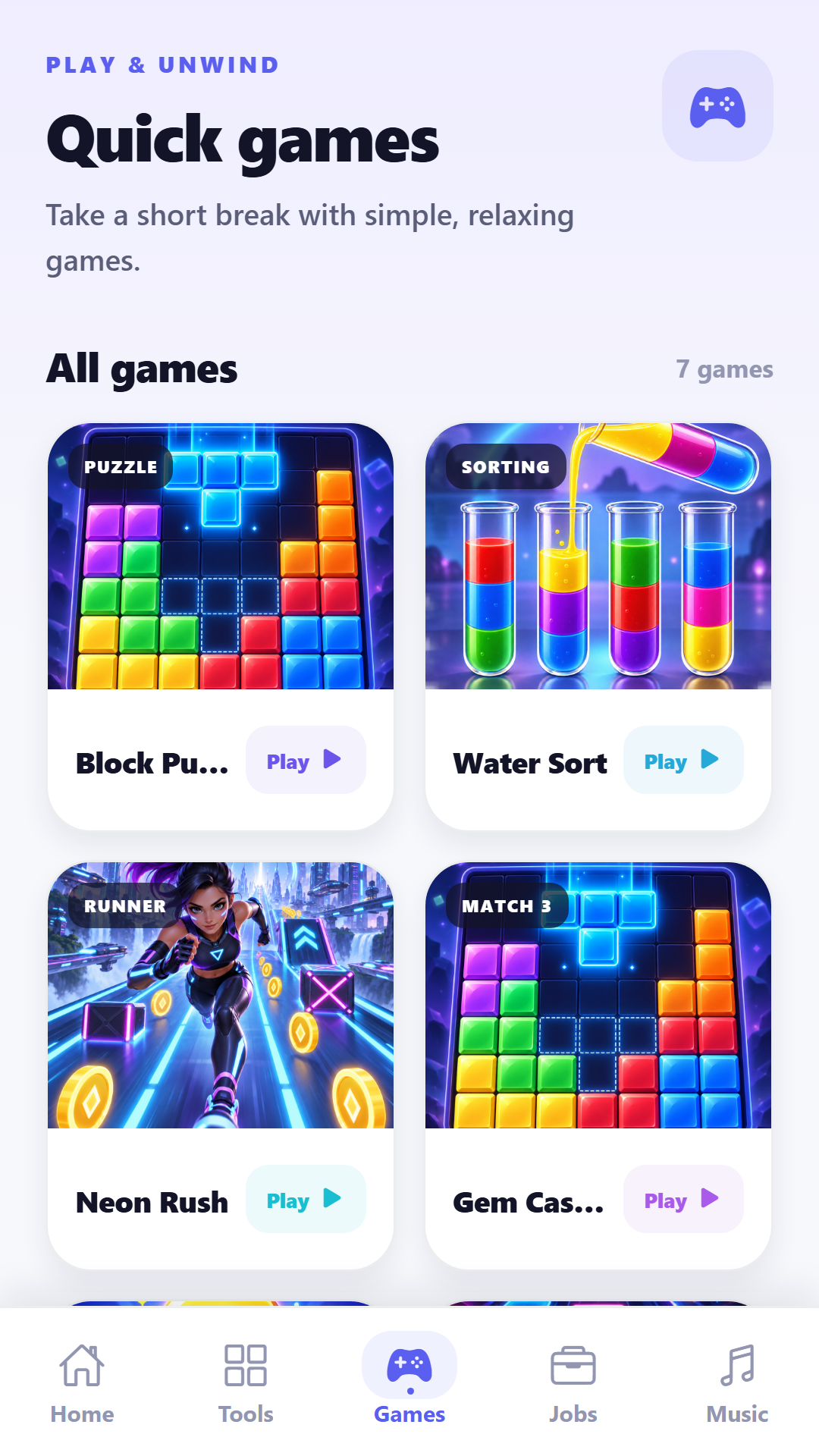
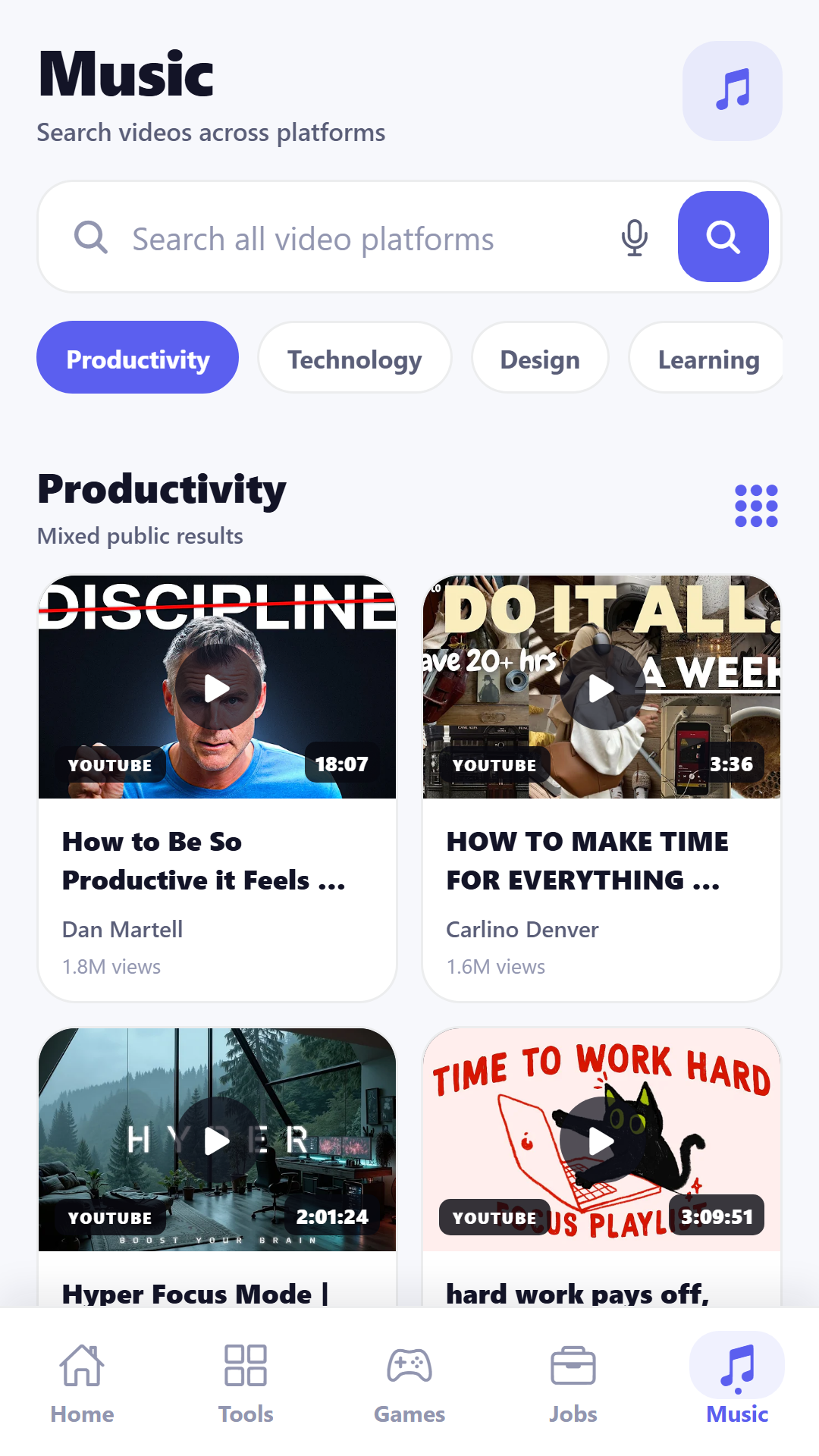
Background removal, canvas backgrounds, text, stickers, music, preview and export.
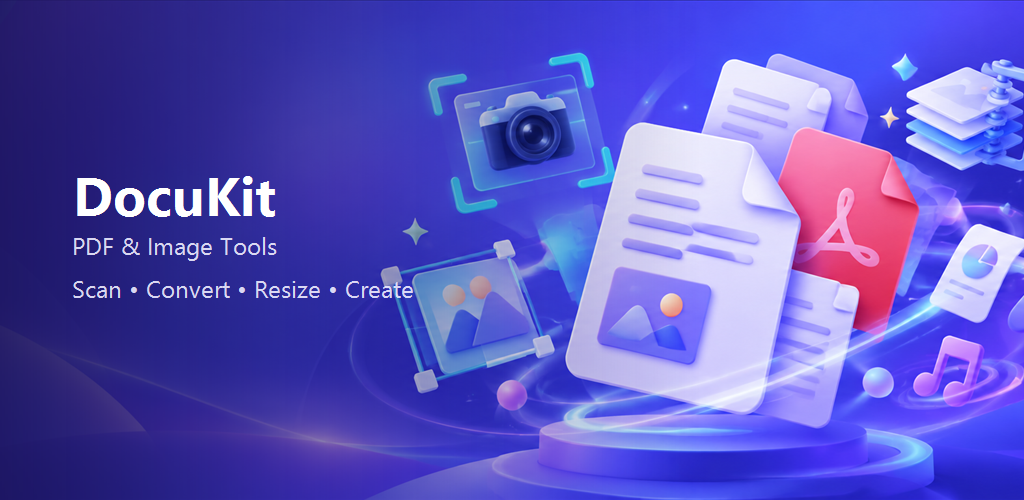
A multi-purpose React Native application combining on-device AI background removal, image editing, document scanning, PDF tools, compression and export workflows.
Project overview
Users often need several separate applications to remove a background, resize an identity photo, scan documents, compress images or rearrange PDF pages. Moving files between tools adds friction and increases privacy concerns, especially when a simple edit unexpectedly uploads a personal image to a server.
The application also needed consistent editing and export behaviour across Android, iOS and web while acknowledging platform-specific limitations honestly.
We built a React Native and Expo application with a shared workspace for AI cut-outs, replacement backgrounds, text, stickers, adjustments, preview and export. The default segmentation engine runs on-device through an off-screen WebView and cached ONNX model, allowing photos to remain on the device; an optional remote provider can be configured by the user.
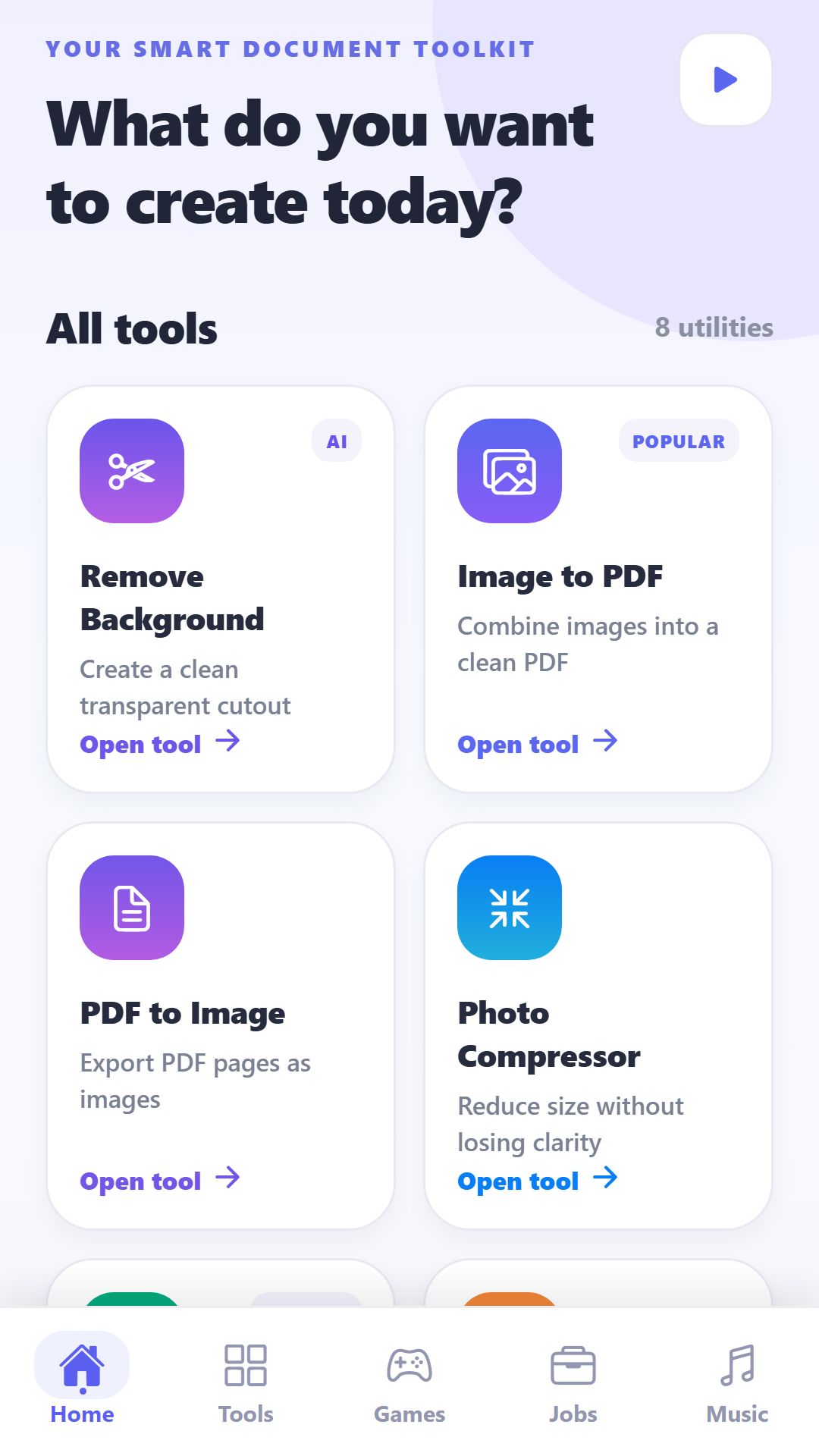
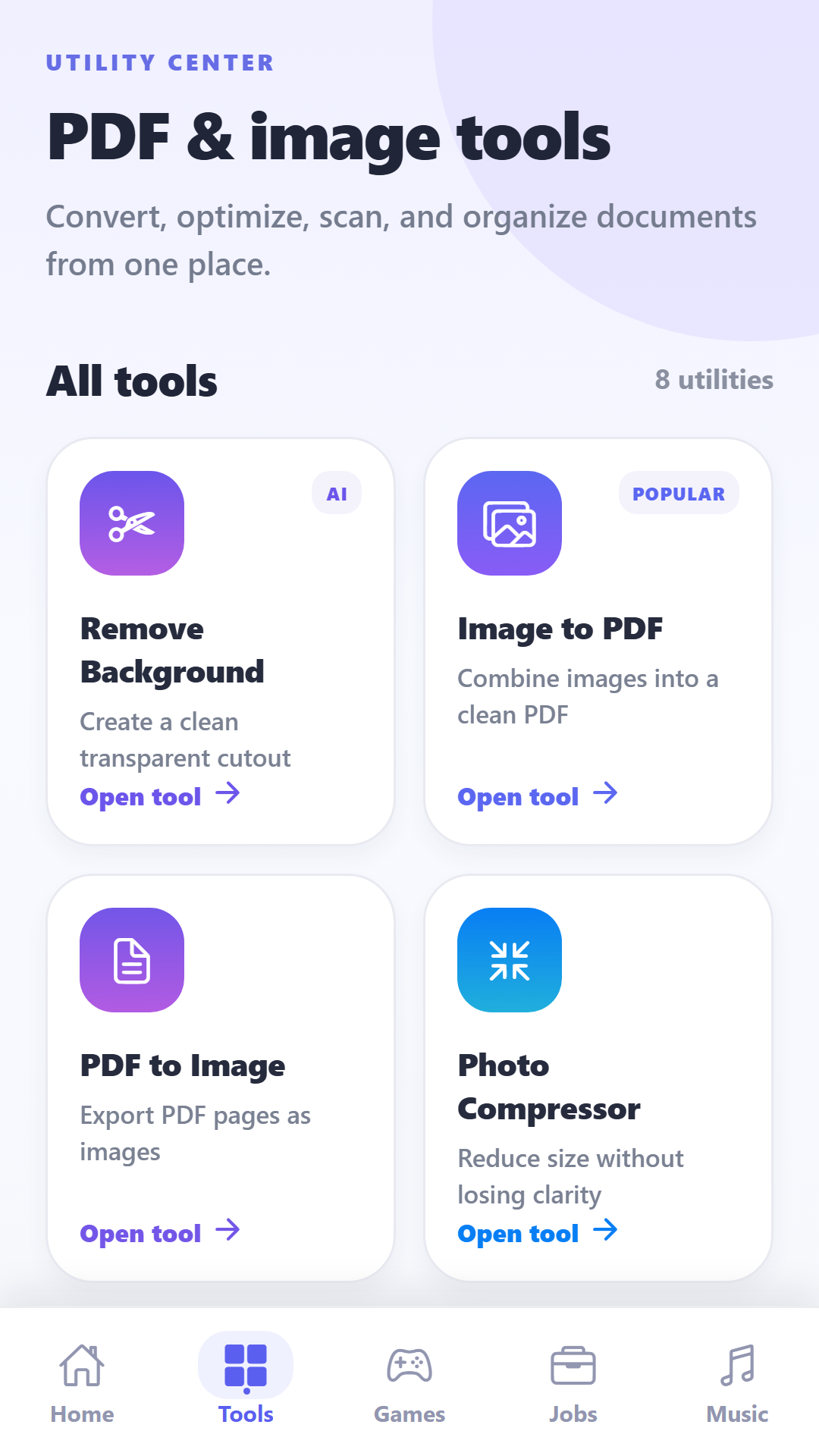
The broader toolkit includes document scanning, image-to-PDF, PDF-to-image, merge, split and reorder workflows, photo compression and multi-image resizing with document presets. Zustand manages persisted settings and projects, while platform-specific services provide safe web fallbacks for galleries, sharing, ads and segmentation.
The brief
Mobile application · Document tools · Image editor · On-device AI
Combine frequent PDF and image tasks in one approachable mobile workspace.
Make background removal and lightweight editing available without a desktop tool.
Handle native and web capabilities honestly through platform-aware fallbacks.
Product ecosystem
Background removal, canvas backgrounds, text, stickers, music, preview and export.
Image-to-PDF, PDF-to-image, merge, split and page reordering utilities.
Scanning, compression, resizing and common preset-based output sizes.
Local projects and preferences designed to keep common tools readily accessible.
Key journey
User selects an image or document
DocuKit opens the relevant focused tool
Processing and adjustments are previewed
The result is exported or shared using supported platform options
Technical architecture
Expo and React Native experience with platform-specific capability handling
Cached ONNX background-removal model running inside an off-screen WebView
remove.bg can be selected when a remote processing engine is preferred
Local projects, preferences and native export or sharing capabilities
Engineering decisions
The primary background-removal path keeps processing close to the user and caches the model for reuse.
Native and web builds use explicit fallbacks instead of pretending every device supports identical output.
Each utility has a short select, configure, preview and export flow rather than a crowded all-in-one editor.
Delivered scope
Quality and safeguards
The result
DocuKit brings common image and document tasks into one mobile-first product and keeps the main background-removal path local to the device. The implementation includes explicit fallbacks and disclosures for web, older operating systems, media export and provider-dependent features rather than hiding unsupported behaviour.
No download, retention or monetisation figures are claimed because verified production analytics were not supplied.
Request a free consultation, or place your order now and pay after we confirm the scope.